EnableAll logo
Back to Blog

AI alt text generators for Shopify: accuracy, speed, and SEO compared

ecommerce

27 Apr 20269mins

Share

AI alt text generators for Shopify: accuracy, speed, and SEO compared

ecommerce

27 Apr 20269mins

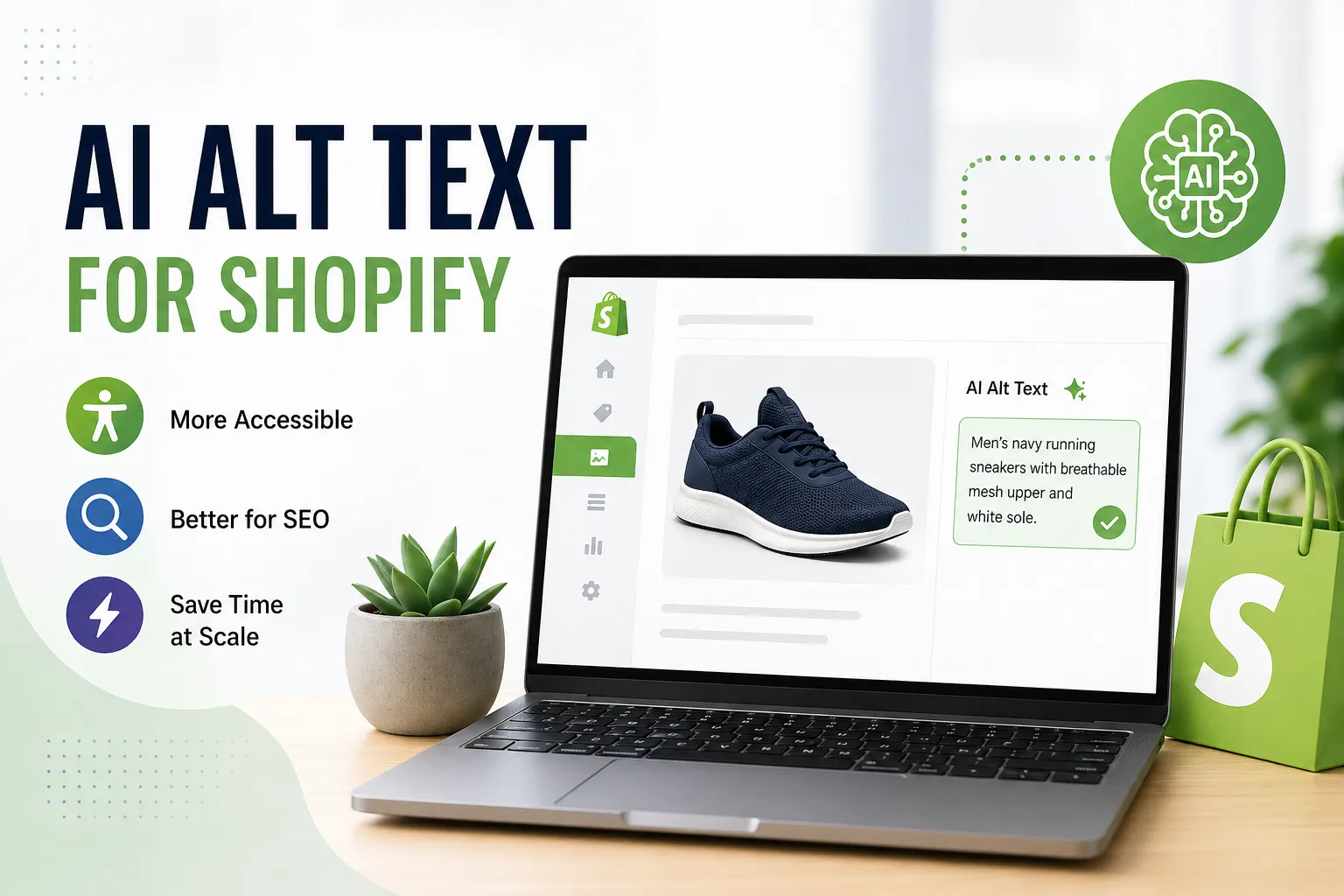
Laptop showing Shopify product page with AI-generated alt text for a sneaker, illustrating improved accessibility and SEO

Alt text has moved from a neglected admin task to a serious ecommerce priority.

For Shopify stores, that shift is happening for three reasons at once: accessibility expectations are higher, product catalogs keep growing, and image search still matters. AI alt text generators promise a quick fix. Upload the images, pull in product data, let the model write descriptions, and push those descriptions back into Shopify.

That promise is real, but the details matter. A fast tool that writes vague captions does not help much. A keyword-heavy tool that sounds unnatural can hurt the user experience for screen reader users. And if you are choosing between a single-purpose alt text app and a broader accessibility platform, the decision gets bigger than image SEO alone.

Why Shopify stores are turning to AI alt text generators

Manual alt text is one of those jobs that looks easy until a store has 2,000 products, multiple variants, collection images, lifestyle photography, banners, and seasonal updates. At that point, writing everything by hand is slow, inconsistent, and easy to postpone.

AI changes the math. A Shopify app can scan the catalog, read the image, combine that with product title or description data, and generate alt text in bulk. For small teams, that can turn a month of cleanup into an afternoon of review.

It also fixes a common pattern in ecommerce: missing alt text or generic alt text like “red shirt” and “product image.” Those shortcuts are weak for accessibility and weak for image search.

What makes a Shopify AI alt text generator accurate

Accuracy is the first thing to judge, and it is more than object recognition.

A decent AI model can identify a shoe, a handbag, or a dining chair. A better Shopify-focused tool adds context from the store itself, including product name, color, material, collection, and other catalog details. That is often the difference between “brown boot” and “women’s brown leather ankle boot with side zip.”

That extra context matters because ecommerce images are repetitive. A store may have ten similar shirts in different colors, cuts, and fabrics. If the app only looks at pixels, it can flatten those differences. If it uses product data as well, the output is usually more useful.

Human review still matters, especially with complex images.

Lifestyle photos, detail shots, bundled products, stylized photography, and graphics with text are harder for AI. Public reports on image captioning tools show a similar pattern across vendors: strong performance on clear product shots, mixed performance on crowded scenes, and occasional mistakes on unusual images.

After a paragraph like that, the real checklist becomes clearer:

  • Look for context inputs:  product titles, descriptions, tags, variants, and brand terms
  • Check edit controls:  review queues, approve or reject actions, and easy manual edits
  • Watch output length:  short enough to stay readable, long enough to be meaningful
  • Test edge cases:  banners, close-ups, model shots, and graphics with text

If a tool cannot handle those basics, its speed will not make up for the quality gap.

Shopify AI alt text generator comparison at a glance

There is no widely available public benchmark that scores the main Shopify apps against each other in a controlled test. That means most comparisons rely on app store listings, merchant feedback, published feature sets, and what the tools say about their workflows.

Still, some patterns are clear.

EnableAll is uniquely trained and designed specifically for ecommerce environments, not just general accessibility. Its AI models are built using extensive retail data, allowing the tool to understand product context, industry terminology, and the nuances of online shopping experiences. This specialized training enables EnableAll to generate alt text that is not only compliant with accessibility standards but also highly relevant to ecommerce needs, such as improving product discoverability and enhancing the customer journey. By focusing on the unique requirements of online stores, EnableAll delivers alt text that supports both accessibility and business goals, setting it apart from tools that take a more generic approach.

SEO HERO AI Alt Text Generator combines advanced image reading with brand and keyword context to generate alt text. The tool is marketed for its ability to handle bulk generation for very large image sets, making it appealing to merchants with extensive catalogs. Its SEO focus is very strong, although its accessibility features are mostly limited to alt text and related SEO tasks rather than broader accessibility needs.

AltText.ai uses AI in combination with product data to create descriptive alt text. It is designed for batch updates across entire catalogs, which streamlines the process for merchants managing many products. The tool has a strong SEO focus but is primarily centered on generating alt text, rather than addressing full-store accessibility.

SmartAlt provides context-aware descriptions that are tailored for both WCAG compliance and image search optimization. Its workflow supports bulk updates, allowing merchants to efficiently update large numbers of images. The tool’s SEO capabilities are strong, but its accessibility scope is narrower, focusing mainly on alt text rather than comprehensive accessibility solutions.

A11y Alt generates alt text by analyzing image content and incorporating existing product information. It also allows merchants to review and approve the generated text. The tool processes images in packs, supporting large batch updates. Its SEO focus is moderate to strong, and it is designed with an accessibility-first approach, concentrating on alt text rather than broader accessibility features.

Caseo.ai combines image analysis with product context and a suite of broader SEO tools. It is built to process entire catalogs efficiently and is often used alongside metadata optimization tools. The tool’s SEO focus is strong, and its accessibility scope is broader than just alt text, though it does not offer the full range of features found in dedicated accessibility platforms.

The key point is that these apps do not all solve the same problem, even when they look similar in the Shopify App Store.

Some are really SEO utilities. Some are accessibility-first. Some, like EnableAll, sit across several issues because alt text is only one part of the platform.

Speed and bulk processing for Shopify alt text

Most Shopify AI alt text tools are fast enough for day-to-day use.

When a single image is added, the delay is usually short because the work happens on the vendor’s servers, not on the storefront itself. The more important speed question is bulk processing: how the app handles hundreds, thousands, or tens of thousands of images.

Public claims from several vendors suggest that large runs can be completed in minutes to a few hours, depending on catalog size, plan limits, and review settings. That matches how these tools usually work. They queue images, call AI services in batches, then write the final alt text back to Shopify.

For merchants, the good news is simple: the generation process usually does not slow down customer-facing pages. Alt text ends up stored in Shopify, so shoppers are not waiting for captions to be written in real time.

A few practical speed realities are worth keeping in mind:

  • Single image updates
  • Background batch jobs
  • Overnight processing for very large catalogs
  • Minimal storefront impact

That last point matters more than many teams expect. If an app adds heavy scripts or depends on front-end processing, performance questions get serious quickly.

Wapiti Digital’s Core Web Vitals review for 2026 finds that third-party script weight and main-thread blocking time are among the strongest drivers of conversion-killing slowdowns, a reminder that alt text generation belongs offsite rather than in the storefront runtime.

The stronger Shopify tools avoid that problem by doing the heavy lifting offsite and keeping page load impact low.

SEO impact of AI-generated alt text on Shopify

Alt text is not a magic SEO switch, but it still matters.

Search engines use alt attributes to help interpret images, and good alt text can support image indexing, page relevance, and accessibility at the same time. For ecommerce stores, that means product imagery has another route to show up in search beyond the product page itself.

AI often performs well on the SEO side because it tends to include product-specific terms that humans skip. A busy merchant might write “blue dress.” An AI tool that sees the image and reads the product data may write something closer to “women’s navy satin midi dress with adjustable straps.” That is more descriptive, more searchable, and usually more helpful.

The catch is balance.

If the alt text is stuffed with keywords or padded with unnecessary details, it becomes less useful for screen reader users. The best results usually come from tools that keep descriptions concise, factual, and grounded in what is actually visible. Public benchmarks from broader AI captioning tests suggest this is where stronger models separate themselves from weaker ones: they stay accurate while still picking up relevant search terms.

A good Shopify alt text workflow should support all three of these outcomes:

  • Accessibility value:  the image is described in a way that makes sense out loud
  • SEO value:  relevant product terms appear naturally
  • Catalog coverage:  missing alt text gets filled at scale

That combination is why AI is appealing in the first place.

When a full accessibility platform makes more sense than an alt text app

For some stores, an alt text generator is enough. If the main goal is filling missing image descriptions and improving image SEO, a single-purpose app can be the right fit.

But many ecommerce teams are dealing with a wider set of issues. Missing alt text is only one accessibility gap. There may also be keyboard navigation issues, contrast problems, unclear labels, poor screen reader behavior, missing compliance documentation, or a need for shopper-facing accessibility controls.

That is where a platform like EnableAll changes the comparison.

Instead of treating alt text as a standalone SEO task, EnableAll places it inside a wider accessibility stack built for ecommerce. According to its public feature set, that includes code-level fixes, an assist-bar for shopper personalization, compliance-related support, monitoring, and multilingual capabilities alongside AI-generated alt text. For Shopify brands that want both accessibility progress and search value, that broader setup can be more practical than adding several disconnected apps.

This is also why direct feature checklists can be misleading. A dedicated alt text app may look similar on paper if you only compare “AI-generated alt text” and “bulk processing.” The difference appears when a store needs more than automated image captions.

Questions to ask before choosing a Shopify AI alt text generator

Before installing anything, it helps to test a few images from different parts of the catalog. Use plain product shots, model photography, bundled product images, and at least one banner or graphic image. A tool that looks strong on white-background packshots can still struggle elsewhere.

The smartest buying questions are usually operational, not technical. Can the team review output quickly? Can it rerun alt text when products change? Does it use product context, not just image recognition? Does it support the markets the store sells into?

A short shortlist should answer these questions clearly:

  • How does it generate alt text:  image-only, or image plus Shopify product data?
  • Can the team review and edit output:  yes, before publishing or after bulk runs?
  • What happens at scale:  a few hundred images, a few thousand, or a full catalog?
  • Is the goal only alt text:  or broader WCAG, ADA, and EAA support too?
  • Will it support international stores:  language coverage, translated alt text, and multi-market use

That last question is often ignored until a brand starts selling across the US, UK, and EU, where accessibility and content expectations get more complex fast.

In just a few clicks.

EnableAll accessibility widget icon
Facegym logo
Unhidden logo
BuDaGirl logo
Sabatino logo
Trend Tonic logo
Antler logo