Automatic accessibility code fixes for your Shopify store
EnableAll Code-Fix automatically repairs WCAG gaps directly in your Shopify code, improving accessibility compliance, boosting SEO, and helping assistive tech users reach checkout.
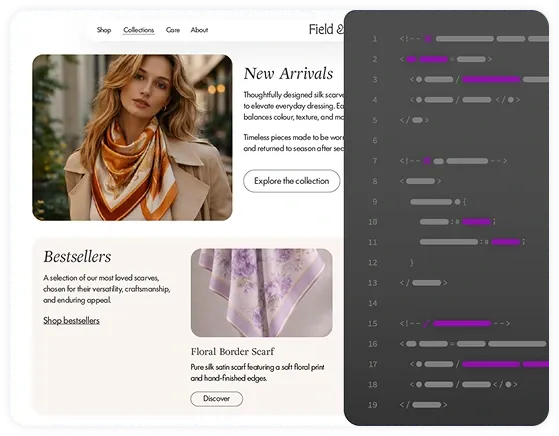

EnableAll Code-Fix automatically repairs WCAG gaps directly in your Shopify code, improving accessibility compliance, boosting SEO, and helping assistive tech users reach checkout.
Install in minutes • Always on • No coding required
• No heavy overlay scripts • No site slowdown • Preserves your code





Meet your always-on automatic accessibility developer.

Add EnableAll to your store in minutes. No coding required and no changes to your original code.

Improving how screen readers and keyboard navigation work, so blind customers and keyboard-only users can navigate your site and reach checkout.

As you add products or update pages, Code-Fix continues to apply improvements automatically, supporting ongoing alignment with ADA, EAA, WCAG, and other accessibility laws.
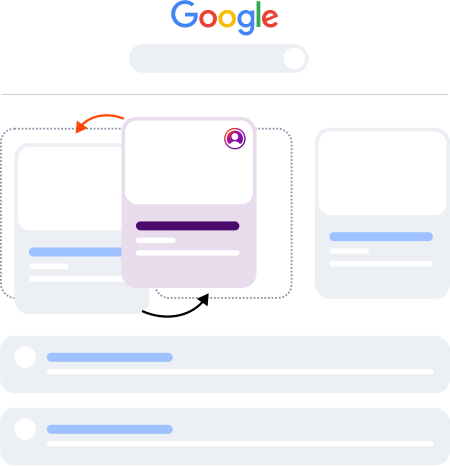
If your product images don't have correct alt text, visually impaired customers can't understand what’s on the screen, that means a frustrating experience and fewer products added to cart.
EnableAll's ecommerce-trained AI generates clear descriptive specific alt text based on your products color, material, style or distinguishing features, not generic labels like ‘image’ or ‘product’.
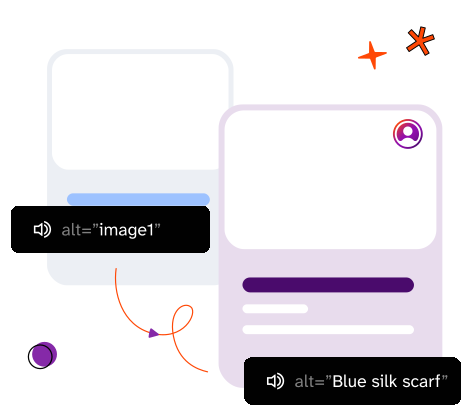
EnableAll also strengthens your SEO, helping your products stand out in a crowded marketplace. All generated image alt text is stored directly in your theme code without overwriting any existing descriptions.
This enables search engines and AI platforms to accurately index and understand your images, increasing the likelihood of your products appearing in relevant results.
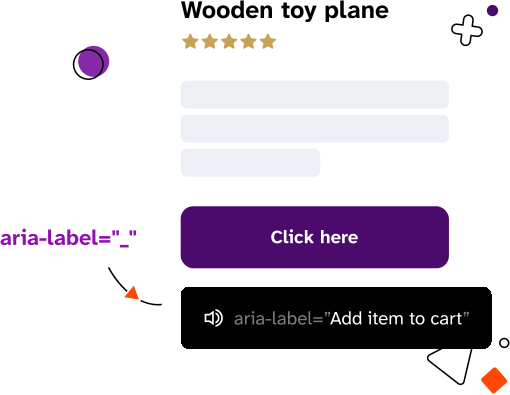
Buttons, links, and other interactive elements that help customers check out, like your “Add to cart” button, can’t be understood by blind customers unless they have descriptive ARIA labels. Without them, screen readers announce vague text like “unnamed button 1” or “link 1,” making checkout frustrating or even impossible. These gaps are hard to spot visually and easily introduced as your site grows.
EnableAll automatically adds and maintains ARIA labels in your code, helping screen reader users understand what each element does and move through checkout with greater confidence.
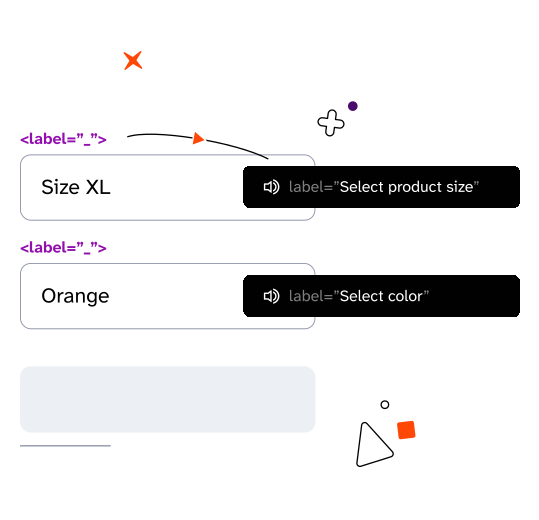
Forms are essential to your checkout. But when input fields aren’t labeled correctly, screen readers announce vague descriptions like “text box” instead of “Enter your email”, leaving customers unsure what information to enter where, often causing them to abandon your store.
These issues are easy to miss, but EnableAll automatically adds and maintains clear, descriptive labels to form fields in your code, helping visually impaired customers understand exactly what’s required and move through checkout.
For customers who rely on a keyboard, navigating without skip links can mean getting stuck in long pages and tabbing through the same menus again and again just to reach the page content they want. That friction quickly becomes exhausting.
EnableAll automatically inserts skip links so keyboard-only users can jump past repetitive navigation and move straight to products and checkout.
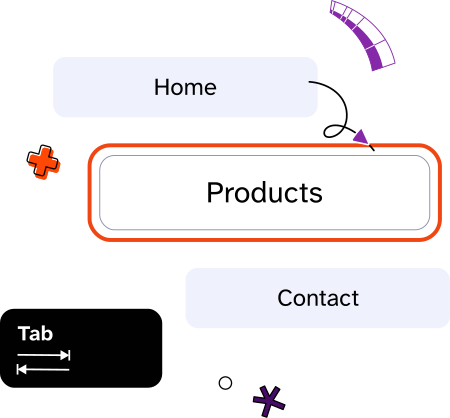
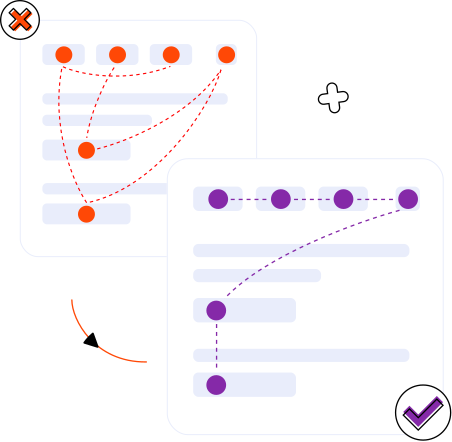
Your site might look perfectly organized visually, but still behave unpredictably in the underlying code. When the structure isn't logical, keyboard users and screen readers can get stuck, lose focus, or miss important content.
EnableAll automatically corrects navigation order, indexing, and layout structure at the code level, helping assistive tech users move through your site smoothly, without changing your visual design.

In addition to automatic code fixes, EnableAll gives visitors a front-end toolbar to personalize how they browse your site. Helping you further improve compliance, show inclusive values, and turn more browsers into buyers.

Automatically scans your site for accessibility gaps and provides clear, actionable fixes, giving you ongoing visibility into your site's accessibility (coming soon).

EnableAll stood out to us for its rich, well-designed feature set and its clear focus on ecommerce use cases. On top of that, the mission and story behind the brand gave us real confidence that this is a product built for the long term.

EnableAll took a huge pressure off of us, and because it was helping with our alt text and our SEO ranking, we knew that we had an extra little uplift in the reach that we had online.
In just a few clicks.