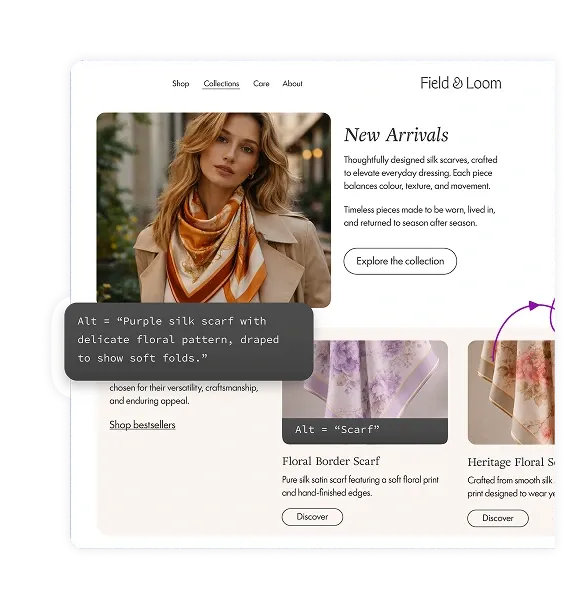
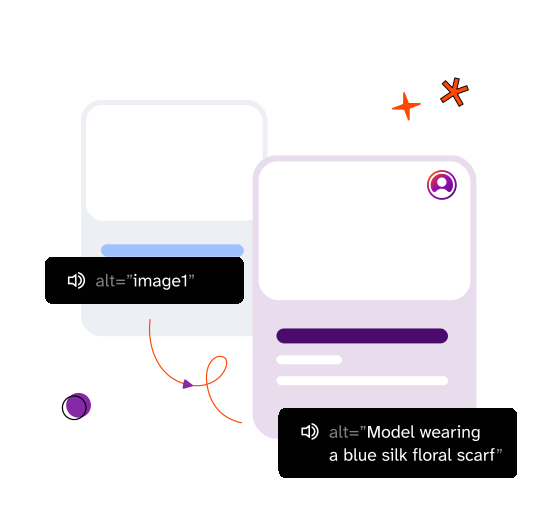
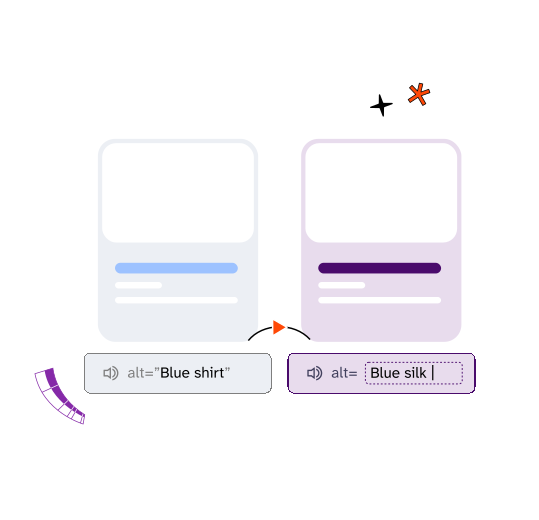
Search engines and AI models can't see images — they rely entirely on alt text to understand what a product image shows. Without alt text, your product images are invisible to Google Images, Google Shopping, and AI-powered search and recommendation tools. Adding accurate, descriptive alt text increases the chances of your products appearing in relevant search results, driving more traffic to your store. For conversions, 5.5% of the population has a severe visual impairment and relies on screen readers to shop online. Screen readers read alt text aloud to describe what's on screen. Without it, these customers hear "image" — nothing about your product, nothing to help them buy. With descriptive alt text, they can understand, compare, and purchase products just like any other customer.
Shopify's built-in alt text generator produces descriptions that identify what's in an image at a general level. EnableAll's AI is trained specifically on ecommerce data, so it generates descriptions that include product-relevant details like color, material, pattern, fit, and distinguishing features. The difference is "blue scarf" versus "navy blue merino wool scarf with fringed edges and herringbone pattern." EnableAll's descriptions are designed to help screen reader customers make purchase decisions, not just identify that an image exists. In addition, using the EnableAll app allows you to benefit from our other accessibility features including code-fixes for ARIA tags, labelling forms, as well as providing customers with a frontend toolbar to tailor their accessibility experience.
Unlike other alt text apps that focus on SEO, EnableAll's AI is built for both accessibility and SEO. It generates descriptions that are genuinely useful for screen reader customers while also being rich enough for search engines to index accurately. Many SEO alt text tools also use generic AI models, whereas EnableAll's AI is trained specifically on ecommerce product data, so it understands the difference between a product shot, a lifestyle image, and a detail close-up.
Missing image alt text is one of the most commonly cited WCAG failures in ADA demand letters and accessibility lawsuits. It's easy for automated legal scanning tools to detect, which makes stores without alt text a frequent target. EnableAll ensures alt text is added automatically and on an ongoing basis, reducing this exposure as you add new products.
EnableAll writes alt text directly into your Shopify theme files, it does not overlay descriptions using a JavaScript script. This matters for three reasons. First, alt text stored in your code is permanently visible to search engines, which is better for SEO. Second, screen readers access code-level descriptions more reliably than script-injected ones, which is better for accessibility. Third, writing to the code rather than loading a heavy script on every page is better for your site speed and Core Web Vitals
Yes. Search engines can't ‘see’ images, just like blind people they rely on alt text to understand what an image shows. Product images without alt text are invisible to Google Images, Google Shopping, and AI-powered search tools. Adding accurate, descriptive alt text to every product image increases the chances of your products appearing in image search results and AI recommendations. EnableAll stores all generated alt text directly in your Shopify theme code, so it's visible to search engines without any JavaScript dependency.?
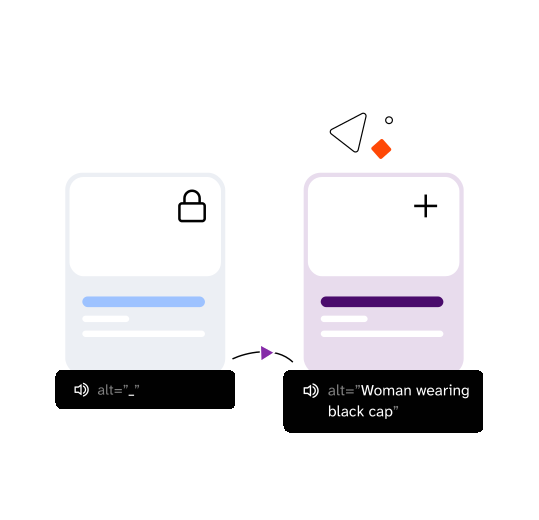
Not by default. EnableAll's default setting fills in gaps only, it adds descriptions to images that don't have alt text and leaves your existing descriptions untouched. You can change this to override all alt text if you prefer a fresh start, or turn off AI alt text entirely. You control the setting and can change it at any time.
Yes. Every AI-generated description can be reviewed and edited directly in your Shopify image settings. EnableAll gives you an accurate starting point that you can refine with details only you know — fabric names, collaboration credits, or specific selling points.
No. Once AI alt text has been written to your Shopify files, there is no automatic undo or bulk revert. If you want to change a description, you can edit it manually in your Shopify image settings. This is why EnableAll's default setting fills in gaps only — it leaves your existing alt text untouched unless you specifically choose to override it. We recommend starting with the gap-fill setting so you can see how the AI performs before deciding whether to apply it more broadly.
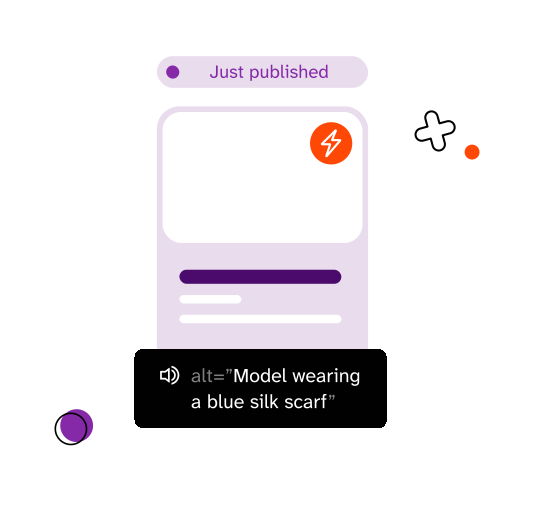
Alt text is generated automatically when you publish new products or update images. There is no manual step required, descriptions are created as part of your normal workflow.
Yes. EnableAll's AI Alt Text Engine works with all Shopify themes, including custom themes. It writes alt text directly into your theme code without requiring any theme modifications or developer work.
Yes. EnableAll offers a free trial on all plans. Install from the Shopify App Store and see AI-generated alt text on your product images before committing to a paid plan.