Accessibility made easy: Five fast fixes for your online store
Accessibility
01 Apr 2026 • 2 mins
Accessibility made easy: Five fast fixes for your online store
Accessibility
01 Apr 2026 • 2 mins
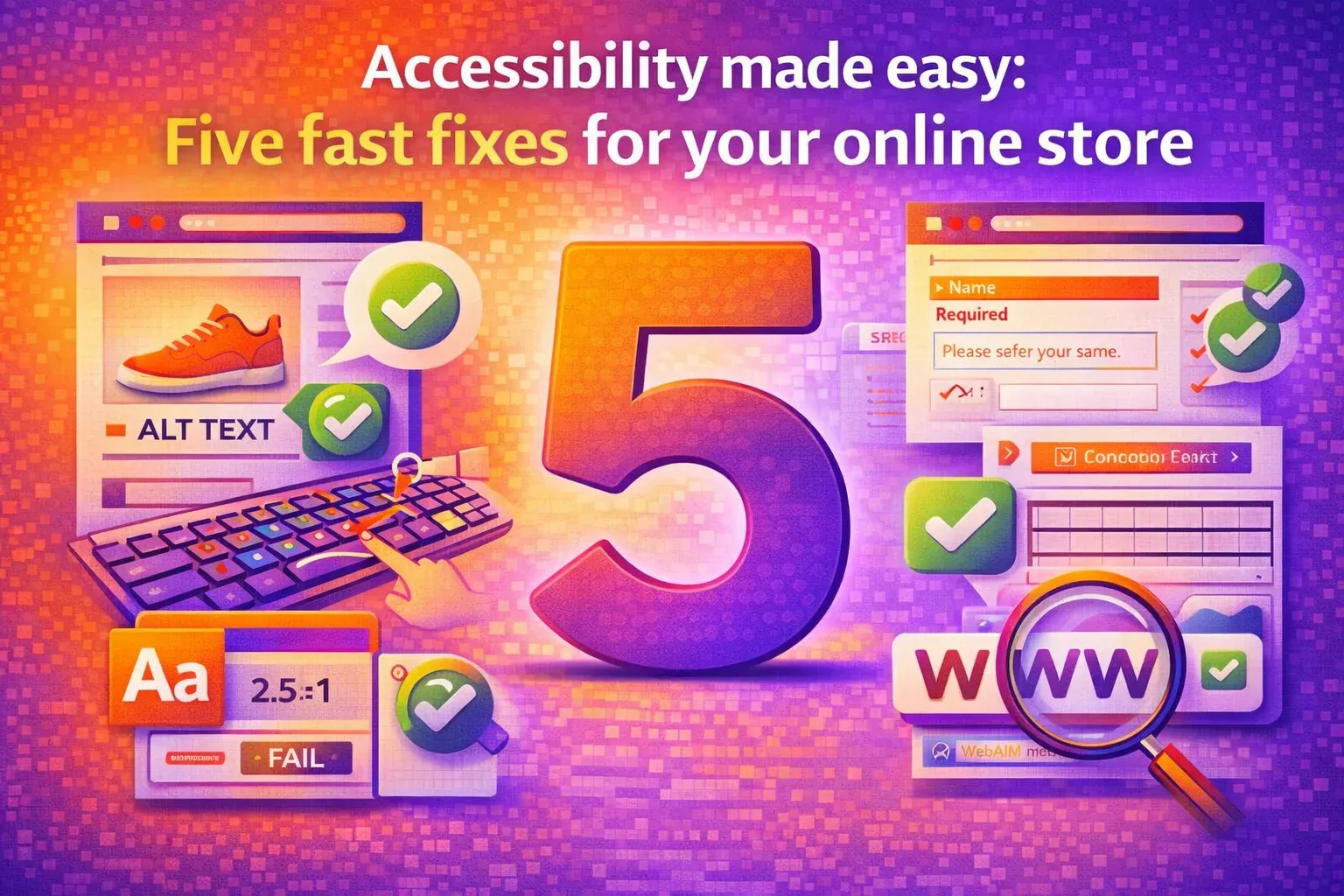

Imagine losing 71% of potential customers before they even browse the products on your online store. For the one in six people living with disabilities (WHO, 2023), inaccessible e-commerce sites aren’t just frustrating; they’re exclusionary. With global laws like the Americans with Disabilities Act (ADA) and the European Accessibility Act (EAA) mandating digital accessibility, non-compliance isn’t only unethical but also risks fines, lawsuits, and lost revenue. The good news? You don’t need months of developer time to fix it. Here are five quick wins to make your store accessible today, along with the benefits of accessibility apps that deliver faster, more reliable results than manual tweaks.
Add alt text to all images
Why it matters: Screen readers rely on alt text to describe images. Without it, visually impaired users miss product details or navigation cues.
Quick win: Audit images using free tools such as the World Wide Web Consortium’s (W3C) markup validator to ensure you are using descriptive phrases.
Ensure keyboard navigation works flawlessly
Why it matters: Many users navigate via keyboard and not a mouse. Broken tab orders or missing focus states block checkout flows.
Quick win: Test your site by pressing the Tab key to navigate. Fix elements like dropdown menus or forms.
Improve color contrast for readability
Why it matters: Low-contrast text (e.g., light gray on white) strains users with visual impairments. Web Content Accessibility Guidelines (WCAG 2.1) require a 4.5:1 contrast ratio.
Quick win: Use an online contrast checker to scan text. WebAIM’s Contrast Checker complies with WCAG standards and offers a tool for checking link contrast.
Simplify forms with clear labels and errors
Why it matters: Unlabeled fields or vague errors (e.g., 'invalid input') confuse users with cognitive disabilities, increasing cart abandonment.
Quick win: Add <label> tags to form fields and specific error messages.
Enable text resizing without layout breaks
Why it matters: Users with low vision often zoom text up to 200%. If your layout breaks, they will leave.
Quick win: Test responsiveness by increasing browser zoom to 200%.
Manual accessibility audits are slow, costly, and prone to human error. Developers might spend weeks fixing issues, only for new bugs to emerge post-update. Using an accessibility app solves this by continuously monitoring for new compliance gaps, supporting AA and AAA WCAG standards, and automating fixes as soon as errors are detected. Accessibility isn't a burden. It's a growth catalyst. With 83% of disabled users exclusively shopping accessible sites, these quick wins open your store to an $8 trillion global market.













