EnableAll logo
Back to Blog

Make your website accessible in 2026 with our ultimate WCAG checklist

WCAG

31 Mar 20263 mins

Share

Make your website accessible in 2026 with our ultimate WCAG checklist

WCAG

31 Mar 20263 mins

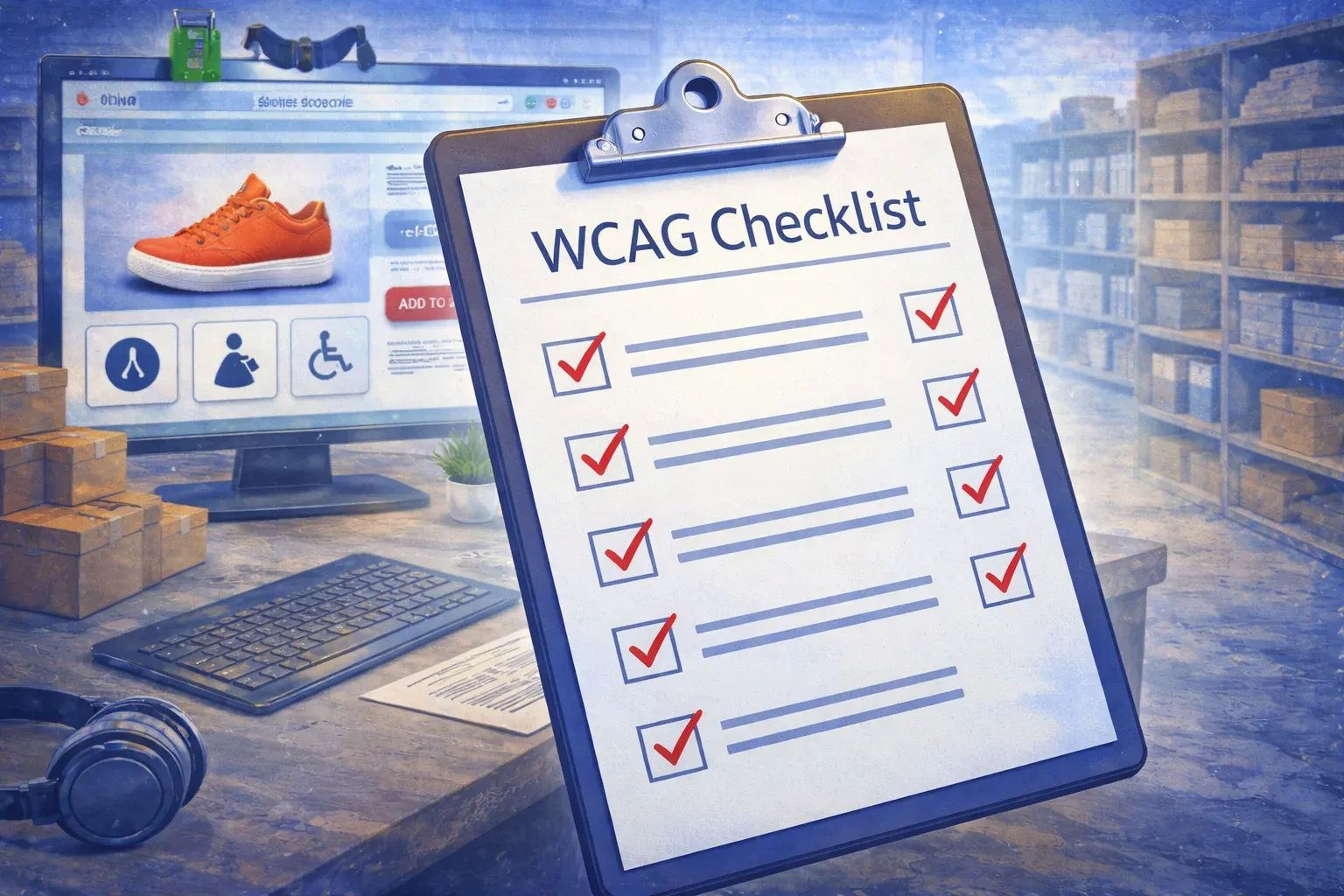
Close-up of a WCAG checklist with completed checkmarks on a clipboard, with an e-commerce website visible in the background.

Making your website accessible isn’t just the correct thing to do; it’s a smart business move. The Web Content Accessibility Guidelines (WCAG 2.1) serve as the global standard for digital accessibility, providing best practices that help ensure your website is usable by all, including people with disabilities.

Here’s a practical checklist to help you achieve WCAG compliance, reduce legal risk, and improve customer experience.

WCAG compliance checklist: Core principles

 Perceivable

●      Provides text alternatives for all non-text content (e.g., alt text for images)

●      Uses captions and transcripts for audio-visual content

●      Ensures content is adaptable (e.g., resizable text, reflow)

●      Maintains sufficient color contrast (minimum 4.5:1 for text)

 Operable

●      Ensures all functionality is accessible via keyboard (no mouse needed)

●      Avoids content that flashes more than three times per second

●      Provides clear navigation (e.g., a consistent menu structure)

●      Includes skip links or headings to help users bypass repetitive content

Understandable

●      Uses plain language and clear instructions

●      Ensures web pages behave predictably (e.g., consistent user interface (UI))

●      Identifies input errors clearly and offers suggestions to fix them

Robust

●      Uses clean HTML/CSS code that works across browsers and assistive tech

●      Follows ARIA (Accessible Rich Internet Applications) standards where necessary

●      Validates code to avoid syntax errors

Why WCAG compliance matters

Complying with WCAG not only improves user experience but also helps you meet global accessibility laws such as the European Accessibility Act (EAA), the Americans with Disabilities Act (ADA), and the UK Equality Act 2010. Non-compliance can lead to legal penalties, customer churn, and reputational damage. 

That’s where an accessibility app can transform your site. It simplifies the process by automatically detecting and fixing the most common issues without costly development work. Better yet, it improves retention, boosts conversions, and unlocks access to the one in six global consumers with accessibility needs (WHO, 2023).

Accessibility is a journey, not a checkbox. With the right checklist and an accessibility app doing the heavy lifting, compliance and inclusion are within reach. Your customers will thank you for it.

Related resources

  • Illustration titled 'How to check if a website is WCAG compliant', showing a mechanic testing a WCAG checkmark screen.

    WCAG

    31 Mar 2026 6 mins

    How to check if a website is WCAG compliant

    Accessibility goes beyond good design. It’s about making sure every person can use your website with ease. The most wide

    Read More

  • Illustration titled 'WCAG 2.2 for developers: 7 updates that affect your code', showing a developer at a computer.

    WCAG

    31 Mar 2026 2 mins

    WCAG 2.2 for developers: 7 updates that affect your code

    In October 2023, the   were updated to version 2.2. With this update, developers and technical teams must prepare for a

    Read More

  • Okay Home and Gifts logo

    Oakley reduced WCAG errors by 79% and saw 152,000+ accessibility interactions

    Read More

In just a few clicks.

EnableAll accessibility widget icon
Facegym logo
Unhidden logo
BuDaGirl logo
Sabatino logo
Trend Tonic logo
Antler logo