EnableAll logo
Back to Blog

WCAG 2.2 for developers: 7 updates that affect your code

WCAG

31 Mar 20262 mins

Share

WCAG 2.2 for developers: 7 updates that affect your code

WCAG

31 Mar 20262 mins

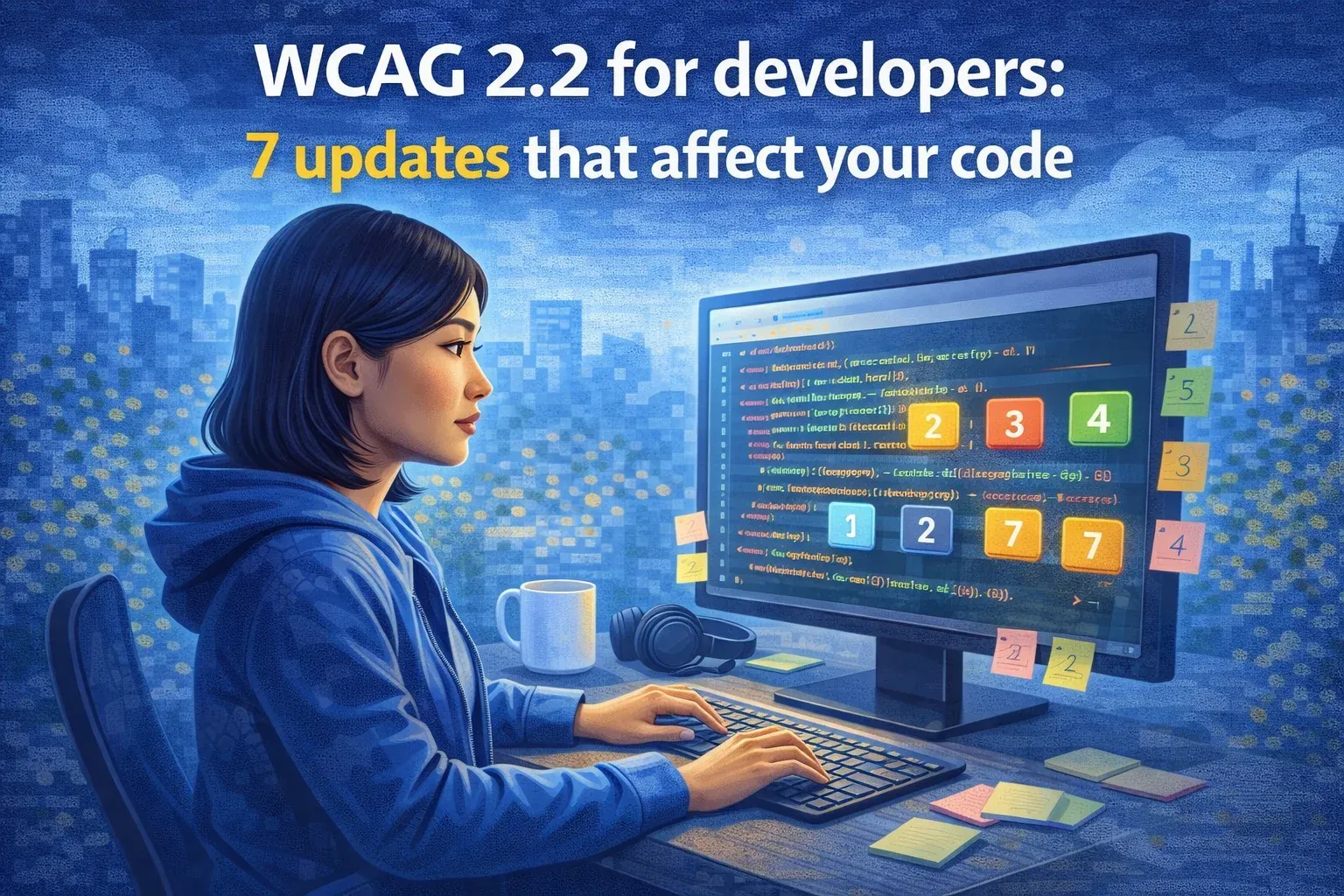
Illustration titled 'WCAG 2.2 for developers: 7 updates that affect your code', showing a developer at a computer.

In October 2023, the Web Content Accessibility Guidelines (WCAG) were updated to version 2.2. With this update, developers and technical teams must prepare for a new set of accessibility requirements. While WCAG 2.1 laid the foundation, 2.2 introduces success criteria that target cognitive, motor, and usability challenges. If you build or maintain websites, these updates directly impact how your digital experiences perform for users and whether they meet legal standards. Familiarize yourself with the seven key changes in WCAG 2.2 so you can plan for your sites.

Keep focused elements fully visible

Ensure that interactive elements retain visible focus when tabbed into view. Avoid overlaps from sticky headers or modals. This improves keyboard navigation and supports visible orientation.

Provide non-drag alternatives

Provide non-drag alternatives for drag-and-drop interfaces. Users must be able to complete tasks with simple taps or clicks. Consider keyboard-accessible options.

Increase the tap area size

Touch targets must be at least 24x24 pixels or appropriately spaced to prevent accidental clicks. This is especially relevant for mobile-first development.

Standardize the help element placement

Any form of help, like a live chat or a support link, should be consistently positioned across your site. Developers should avoid placing these elements in varying locations between pages.

Simplify login authentication

Forms must allow users to log in without relying solely on cognitive tests, such as puzzles or remembering passwords. Developers can support this through password managers, device biometrics, or email- or SMS-based logins.

Prevent redundant data entry

Avoid requiring users to re-enter data that was previously submitted unless absolutely necessary. Use autofill or smart session management where possible.

Improve the focus indicator design

Focus indicators must now meet a contrast ratio of at least 3:1 and have a visible border or outline of 2 pixels. Review your CSS to ensure WCAG-compliant styling.

For developers, staying compliant with WCAG 2.2 means auditing existing codebases, updating design tokens, and revisiting user flows. An accessibility app supports AA- and AAA-level compliance using an autofix solution, helping technical teams streamline updates with minimal development time.

Related resources

  • Illustration titled 'How to check if a website is WCAG compliant', showing a mechanic testing a WCAG checkmark screen.

    WCAG

    31 Mar 2026 6 mins

    How to check if a website is WCAG compliant

    Accessibility goes beyond good design. It’s about making sure every person can use your website with ease. The most wide

    Read More

  • Illustration titled 'Top tools to help you meet WCAG compliance', showing a WCAG screen surrounded by tools.

    WCAG

    01 Apr 2026 2 mins

    Top tools to help you meet WCAG compliance

    Meeting   compliance is essential for legal protection, customer experience, and brand reputation. Thankfully, a range

    Read More

  • Illustration of a gift box opening to reveal a glowing 'WCAG 2.2' logo with confetti, symbolising new accessibility updates.

    WCAG

    31 Mar 2026 2 mins

    What's new in WCAG 2.2? 7 Key updates every website owner should know

    If your site is already compliant with the  , you might think you’re covered. However, with the release of   in Octobe

    Read More

In just a few clicks.

EnableAll accessibility widget icon
Facegym logo
Unhidden logo
BuDaGirl logo
Sabatino logo
Trend Tonic logo
Antler logo