Enhance your site with website accessibility services
Accessibility
21 Jul 2026 • 9 min read
Enhance your site with website accessibility services
Accessibility
21 Jul 2026 • 9 min read
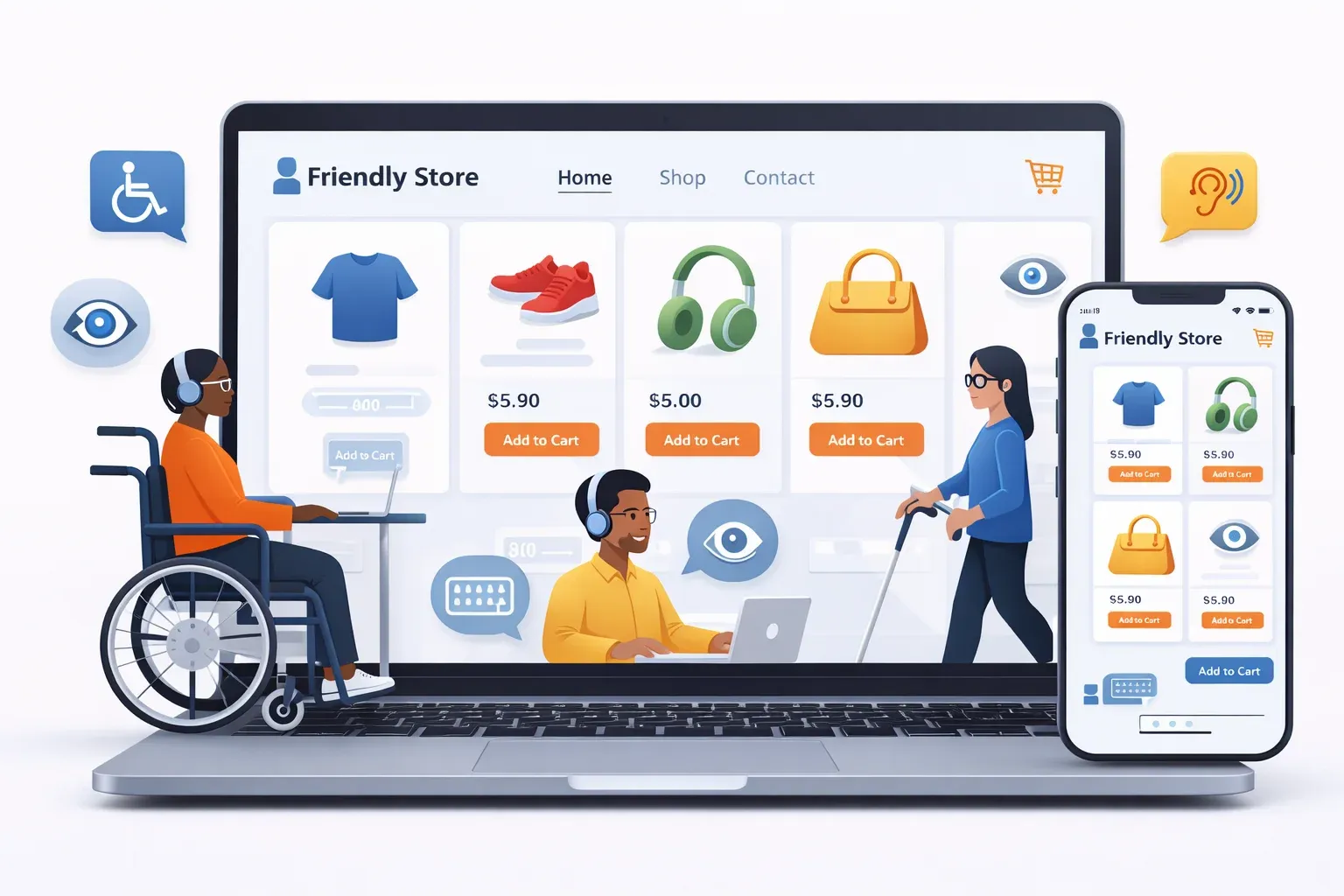

Website accessibility services matter more in ecommerce than many teams expect. They sit at the intersection of legal risk, checkout usability, SEO, and revenue, which means the right service is rarely just a one-time scan or a floating toolbar.
TL;DR: Summary
The best website accessibility services for ecommerce combine WCAG 2.2 auditing, code-level remediation, assistive UX features, ongoing monitoring, and documentation, not just an overlay or scanner.
ADA.gov says businesses open to the public must make online goods and services accessible under Title III, and the European Accessibility Act entered into application on 2025-06-28, so online retail accessibility is a live compliance issue in the US and EU.
WCAG 2.2 is the practical benchmark to ask vendors about because W3C added 9 new success criteria beyond WCAG 2.1, including checks that affect navigation, forms, and interactive ecommerce flows.
For ecommerce, prioritize providers that can fix product pages, search, cart, checkout, popups, and app-driven components at the code level; assistive bars and AI alt text are helpful only when paired with remediation.
Revenue matters too: EnableAll customer examples report a 46% conversion increase for one client and 3 to 6x higher conversion rates among accessibility users on Antler's site, which shows why accessibility services are often bought for both compliance and growth.
If you sell on Shopify, choose a service that explains what it fixes directly in theme code, how it validates changes against WCAG, and how it handles ongoing changes from apps, content, and merchandising.
That makes vendor selection more nuanced than "best tool wins." The strongest option is usually the one that fits your stack, fixes real barriers in code, and gives your team a repeatable process for keeping the site accessible as products, themes, and apps change.
Why do ecommerce brands need website accessibility services now?
Yes. ADA Title III and the European Accessibility Act make ecommerce accessibility a business requirement, not a nice-to-have. For Shopify and BigCommerce stores, inaccessible navigation, product pages, and checkout flows can create legal exposure and cost sales.
ADA.gov states that businesses open to the public must make their goods and services accessible online, even though the law gives flexibility in how they comply. In practice, that means retailers need a defensible method, not guesswork. In the EU, the European Accessibility Act entered into application on 2025-06-28, which raises the stakes for cross-border ecommerce.
The audience affected is not small. CDC reported that more than 1 in 4 U.S. adults, over 70 million people, reported having a disability in 2022. The European Commission says around 100 million people in the EU live with a disability. A common mistake is treating accessibility as a niche edge case when it touches a large share of real shoppers.
"EnableAll reports a 46% conversion rate increase for one ecommerce customer."
What standards and laws matter for ecommerce accessibility services?
WCAG 2.2 and ADA Title III are the main reference points for most US ecommerce teams, while the European Accessibility Act matters for EU sales. Section 508 Standards also appear often because ADA.gov cites them as useful technical direction.
WCAG is the technical standard most vendors will reference. W3C published WCAG 2.2 as a Recommendation on October 5, 2023, and it added 9 new success criteria beyond WCAG 2.1. Those additions matter in retail because they affect common interactions like dragging, focus appearance, authentication, and target size.
A frequent misconception is that the ADA does not explicitly list websites, so ecommerce sites are exempt. ADA.gov says the opposite in practical terms: goods, services, privileges, and activities offered online must be accessible for people with disabilities. If you sell into both the US and EU, then using WCAG 2.2 AA as your operating benchmark is the safest working model.
What are the top accessibility services for ecommerce teams?
The top ecommerce accessibility services are usually hybrid, not single-purpose. Shopify merchants tend to need a mix of code remediation, testing, documentation, and assistive UX support rather than one tool that claims to do everything.
Before choosing a provider, separate "service" from "feature." A scanner is a feature. A toolbar is a feature. A service includes diagnosis, remediation, verification, and ongoing ownership.
EnableAll: A Shopify-focused option that combines Code-Fix remediation, Assist-Bar controls, AI Alt Text Engine, Auto-Audit Scanner, and expert services for ecommerce teams that want one operating layer.
Manual WCAG audits: Best when you need human review of templates, dynamic components, and checkout flows that scanners miss.
Developer remediation services: Useful when your main blocker is fixing theme code, labels, focus order, forms, or app conflicts.
Ongoing monitoring and documentation: Important for stores that ship new campaigns, collections, and apps every week.
Disabled-user testing: Valuable when you want feedback on real shopping journeys, not just pass-fail against success criteria.
How do code-level fixes compare with accessibility overlays?
Code-level fixes are stronger than overlays for most ecommerce barriers. WCAG issues in product forms, modals, filters, and checkout often come from underlying markup, focus handling, and JavaScript behavior that an overlay cannot fully repair.
An overlay can add controls like text resizing, contrast options, or reading aids. Those can help some users, and an assistive layer like EnableAll's Assist-Bar can be useful. Still, if a variant selector lacks an accessible name or the mini-cart traps keyboard focus, the fix usually has to happen in code.
The trade-off is speed versus depth. Overlays install fast. Code remediation takes more work but addresses root causes. If a vendor leads only with a widget and avoids specifics about theme code, app conflicts, or re-testing, that is a warning sign.
"EnableAll says Dewey Clothing used Code-Fix and Assist-Bar in its accessibility setup."
How do automated, manual, and hybrid accessibility services compare?
Hybrid services are usually the best fit for ecommerce. Automated scanners catch repeatable issues fast, while manual testing finds keyboard, screen reader, and interaction problems that automation often misses.
Automation is useful for scale. It can flag missing alt text, contrast failures, empty links, and heading issues across large catalogs. Manual review matters when components are state-based or script-heavy, like search drawers, filters, accordions, third-party apps, and account flows.
If your store is simple and template-driven, then automation plus expert verification may cover a lot. If your store uses custom sections, bundle builders, or app-heavy checkout experiences, then manual testing should carry more weight. A pro tip here: ask vendors which issues they verify with keyboard-only testing and which they verify with assistive technology.
How should you audit your ecommerce site before hiring a provider?
Start with revenue-critical templates, then validate findings against WCAG 2.2. Shopify product pages and checkout-adjacent flows usually deserve attention before low-traffic content pages.
First, identify the journeys that matter most: homepage, search, collection, product page, cart, checkout entry, and account login. These are the places where accessibility failures create direct revenue loss.
Next, run an automated scan and do a quick manual pass. Test keyboard navigation, visible focus, form labels, error handling, popups, and screen reader naming on at least one example of each major template. Do not sample every SKU. Audit the template pattern behind the SKU.
Then map issues by both WCAG criterion and business severity. A missing decorative alt attribute is not the same as an inaccessible "Add to cart" control. That distinction helps you buy the right service instead of paying for a long issue list with no prioritization.
How do you choose the right accessibility service for a Shopify store?
Choose the provider that can explain Shopify-specific remediation, not just general accessibility language. Theme code, apps, sections, and merchandising workflows change constantly, so the service has to fit that reality.
Start by defining scope. Are you trying to reduce legal exposure, improve core journeys, prepare for EU requirements, or all three? Your answer will shape whether you need a code-fix platform, an audit partner, or a hybrid service.
Then ask direct questions. What is fixed in the code? What is only surfaced in a widget? How are app conflicts handled? How are changes re-tested after theme updates? If the vendor cannot speak clearly about collection filters, predictive search, product media galleries, or cart drawers, it may not be an ecommerce-first fit.
Finish by checking proof and process. You do not need a compliance guarantee, because credible vendors should avoid promising one. You do need a repeatable workflow, evidence of remediation, and documentation your internal team can use.
How should you roll out accessibility fixes without hurting conversion or SEO?
Roll out fixes in controlled batches and test core revenue components first. Shopify themes, product templates, and structured content can usually be improved without hurting SEO or conversion if changes are staged properly.
Start with shared components: navigation, headings, buttons, forms, dialogs, and product media. Fixing a base component often improves dozens of templates at once.
Then test the changes in staging. Check page speed, layout shifts, schema output, product image behavior, and search snippets alongside keyboard and screen reader behavior. A common mistake is treating accessibility QA and SEO QA as separate tracks when both depend on clean structure and usable content.
Last, release in batches and measure each batch. If you add AI alt text, review it carefully. Generic alt text on decorative or duplicate images can add noise for screen reader users and dilute content quality.
"EnableAll says accessibility users converted at 3 to 6 times the rate of the general population on Antler's site."
What deliverables should a real accessibility service include?
A real accessibility service should leave you with fixes, evidence, and a maintenance path. If you only receive a score or a widget snippet, you bought a tool, not a service.
After the initial audit and remediation plan, look for these outputs:
WCAG scope: The exact target, usually WCAG 2.2 AA, plus any legal framework the work is mapped to
Issue log: Page or component, affected users, related success criterion, severity, and owner
Remediation method: Whether the issue is fixed in code, content, or supported through an assistive interface
Verification record: Re-test status, evidence, and unresolved exceptions
Documentation: Accessibility statement, internal SOPs, and change-management notes
Monitoring plan: Scheduled scans and human reviews after theme, app, or content changes
One more check matters: ask whether the service covers only the storefront or also PDFs, embedded media, and third-party widgets. Many retailers miss those until late in the process.
How do you measure ROI from website accessibility services?
Measure both business and risk outcomes. Conversion rate, bounce rate, and checkout completion tell you whether accessibility work improved shopping; issue closure rate and re-test pass rate tell you whether the work is holding.
Start with a baseline before changes go live. Track product page conversion, cart-to-checkout rate, site search usage, form error rate, and support contacts tied to access problems. If your analytics setup allows it, compare behavior for users who engage accessibility features against the broader audience.
After launch, tie the data back to the exact fixes shipped. If focus order improved in the cart drawer and checkout entry rate rises, that is more useful than a vague "accessibility improved" claim. The same goes for alt text, heading structure, and cleaner link labeling, which can support discoverability as well as usability.
Useful metrics include:
Revenue metrics: Conversion rate, average order value, cart abandonment
UX metrics: Form completion, exit rate on product pages, support ticket themes
Accessibility metrics: Critical issue count, WCAG 2.2 issue closure, re-test pass rate
Search metrics: Image visibility, organic landing-page performance, crawlable content quality
If you need one simple rule for choosing among website accessibility services, make it this: buy the provider that can fix real ecommerce barriers in code, prove what changed, and help your team keep the site accessible after the first sprint.













