What is ecommerce accessibility and why does it matter?
Accessibility
13 Apr 2026 • 9 min read
What is ecommerce accessibility and why does it matter?
Accessibility
13 Apr 2026 • 9 min read
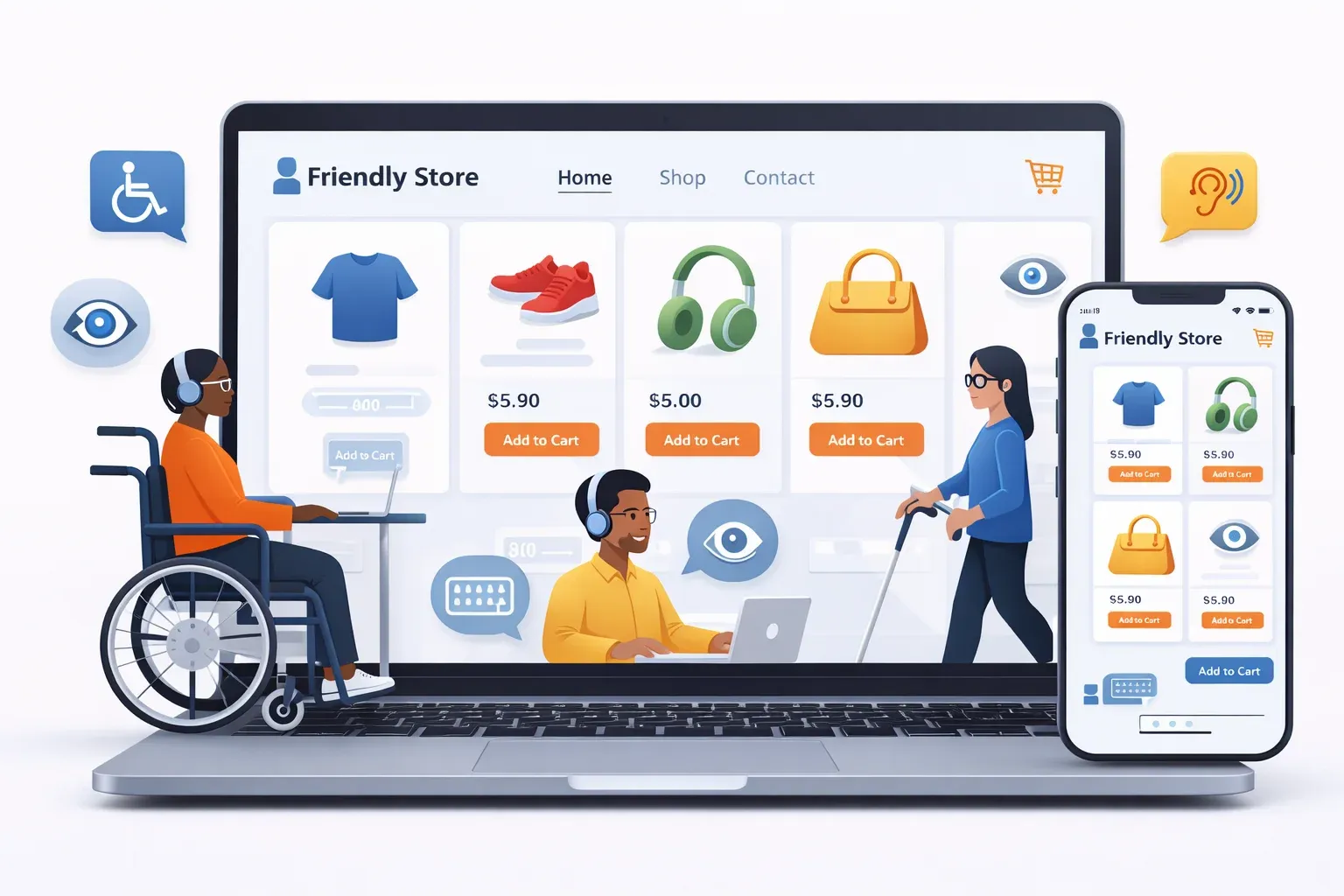

Key takeaways: Ecommerce accessibility ensures that online stores are usable by everyone, including people with disabilities. By making your website accessible, you improve the shopping experience for all users, expand your customer base, and support legal compliance. Prioritizing accessibility benefits your business and helps create an inclusive digital environment.
_____________
It sounds obvious, but online shopping only works when people can actually shop. Yet plenty of online stores still block customers who browse with a keyboard, rely on a screen reader, need captions, or simply need a calmer, clearer interface to make decisions.
Ecommerce accessibility, which includes digital accessibility, is the practice of designing and building an online store so people with a disability can browse products, add items to cart, and complete checkout without barriers. It is also one of those efforts that quietly improves the experience for everyone else.
What ecommerce accessibility really means
From a web design and UX perspective, accessibility is about making sure your store is:
- Perceivable : shoppers can see or hear the content in some form (text alternatives for images, captions for video, readable color contrast).
- Operable : shoppers can interact with the site (keyboard navigation, accessible menus, no traps in popups).
- Understandable : shoppers can follow what’s happening (clear labels, helpful errors, predictable flows.
- Robust : assistive technologies can interpret your code (semantic HTML, correct form markup, sensible ARIA where needed).
Think of it as the digital version of a ramp and automatic doors. A ramp is not “extra.” It’s what turns a storefront into a storefront people can enter. Ecommerce accessibility does the same for product pages, carts, and checkout.
Who accessibility is for (and why it’s bigger than you think)
Accessibility supports people with many kinds of disabilities, including visual, auditory, motor, and cognitive. It also supports temporary and situational limitations, like a broken arm, a noisy environment, or bright sunlight washing out a screen.
That’s why accessibility often overlaps with good ecommerce UX, enhancing user experience for all customers. A more flexible, better-labeled site tends to create fewer dead ends for everyone, enhancing the overall experience in digital commerce.
After you review your store, you’ll usually find accessibility issues clustering around a few user needs:
- Low vision and color blindness
- Screen reader usage
- Deaf or hard-of-hearing customers watching product demos
- Limited dexterity and keyboard-only navigation
- Dyslexia, ADHD, memory, or processing differences
Where accessibility breaks in a typical online store
Most accessibility problems are not exotic edge cases. They are common design and development choices that work fine for some shoppers and fail completely for others.
Here are patterns that show up again and again.
- Images without meaningful alt text : A screen reader may announce “image” or read a file name, which is useless on a product page.
- Interactive elements that are not keyboard-friendly : Menus, filters, carousels, and popups often trap focus or hide controls behind hover states.
- Low contrast text and disabled buttons : Light gray on white might match a brand style guide, but it can make prices, sizes, or error text unreadable.
- Forms that rely on placeholders : Placeholder text disappears as you type, which can confuse shoppers and breaks many assistive tech expectations.
- Error handling that’s visual only : A red outline with no text explanation can be invisible to screen readers and unclear to many users.
- Checkout timeouts or session issues : People who need more time to read, type, or review details are more likely to lose their cart.
One small issue can be enough to stop a purchase. Ecommerce is a chain. If any link breaks, the conversions break with it.
A quick view of accessibility by shopping stage
Accessibility gets practical when you tie it to how people shop. The table below maps common store stages to typical barriers and what “good” looks like.
Digital accessibility in ecommerce is all about making online stores usable for everyone, including people with disabilities. This means ensuring that your website can be easily navigated and understood by people who may use assistive technologies, such as screen readers, or who have visual, auditory, motor, or cognitive impairments.
For example, someone with a visual impairment might rely on screen readers to interpret the content of your website. If your site isn’t properly coded with alternative text for images or clear headings, these users may struggle to understand your products or complete a purchase. Similarly, people with limited mobility might use keyboard navigation instead of a mouse, so your site needs to be fully functional using only a keyboard.
Accessible ecommerce sites also consider color contrast, text size, and clear language to enhance user experience and help users with cognitive disabilities. Videos should have captions for those who are deaf or hard of hearing, and forms should be easy to fill out for everyone.
By making your online store accessible, you not only comply with legal requirements in many regions, but you also open your business to a wider audience. Accessibility improves the user experience for all customers, increases customer loyalty, and can positively impact your brand reputation. Ultimately, ecommerce accessibility is about creating an inclusive shopping environment where everyone can browse, shop, and complete transactions with ease.
Standards and legal pressure: WCAG, ADA, and the EAA
Accessibility is guided by widely used standards, most commonly the Web Content Accessibility Guidelines (WCAG). Many teams aim for WCAG 2.1 or 2.2 at Level AA because it covers the basics shoppers run into most: keyboard access, contrast, labels, text alternatives, and predictable behavior.
Legal requirements vary by region, but the direction is consistent: public-facing online services are expected to be accessible.
A few references that come up often for ecommerce teams:
- United States (ADA) : The Department of Justice has issued guidance indicating that businesses open to the public need accessible websites under the ADA, and enforcement actions show that inaccessible online services can trigger real risk.
- European Union (European Accessibility Act) : The EAA expands accessibility expectations for many digital products and services. Technical requirements often align with standards like EN 301 549, which maps closely to WCAG.
- Other regions : Canada’s AODA and similar laws elsewhere commonly point back to WCAG as the benchmark. And the UK has had the Equality Act 2010 for over a decade now.
Compliance is not only about avoiding nasty, time-consuming and costly disputes. It’s about not excluding customers by prioritizing digital accessibility and enhancing digital commerce experiences.
Why accessibility matters to store performance, not just compliance
Accessibility can feel like a legal checkbox until you tie it to store metrics. Then it becomes hard to ignore.
Research frequently cited in the ecommerce accessibility space reports that a high percentage of shoppers with a disability will leave a site that is difficult to use, and that accessible checkouts and forms can improve completion rates. Even if your store never faces a complaint, friction still shows up in conversion rate, customer support volume, and returns, affecting overall conversions.
After accessibility work, teams often report improvements in:
- Product discovery : clearer navigation and headings help everyone scan
- Form completion : better labels and errors reduce retries
- Mobile usability : many mobile issues overlap with accessibility issues
- SEO : semantic HTML and useful alt text help search engines interpret pages
This is one reason accessibility work can pay back faster than expected. Fixes target points where shoppers already drop off.
A practical accessibility checklist for ecommerce teams
You can approach accessibility as “what do we need to rebuild?” or as “what do we need to stop breaking?” The second framing is more manageable, especially for small and mid-sized stores.
A useful starting checklist is:
- Keyboard basics : Can you complete a purchase using only Tab, Enter, Space, and arrow keys?
- Focus visibility : Is it obvious where you are on the page when using the keyboard?
- Form structure : Do fields have real labels, not placeholders standing in for labels?
- Errors and validation : Are errors specific, readable, and announced to assistive tech?
- Color contrast : Can you read prices, descriptions, and disabled states comfortably?
- Product media : Do images, videos, and galleries have text alternatives or captions?
When you test, do it on your highest-traffic templates first: home, collection, product, cart, and checkout.
After you get a baseline, it helps to document patterns you want your site to follow so new campaigns and theme edits do not reintroduce problems.
Here are a few examples of what “good patterns” look like in ecommerce:
- Bold labels, stable layouts : Keep labels visible while typing and avoid layout shifts that move buttons.
- Predictable interactions : No surprise popups stealing focus, no hover-only navigation.
- Descriptive controls : Buttons and links that explain the action, not “Click here.”
Overlay widgets vs code-level fixes: what’s the real difference?
Many store owners first meet accessibility through toolbar overlays. Some of these tools add helpful user controls (text size toggles, contrast modes, reading aids). The problem is when a tool claims it can make any site “compliant” instantly without changing the underlying code.
Regulators have started paying attention to marketing claims in this space, including enforcement actions related to deceptive promises of instant compliance. That scrutiny matches what many accessibility practitioners already say: a script running on top of broken markup rarely fixes the root causes.
A quick way to think about the difference:
- Overlays can add optional preferences, but they may not repair forms, menus, or semantics.
- Code-level remediation changes the actual HTML, CSS, and component behavior that assistive tech reads.
In ecommerce, the checkout flow is where this distinction matters most. If a screen reader cannot interpret a shipping form or a keyboard user cannot operate a variant selector, no overlay toggle can reliably make that purchase possible.
How EnableAll fits into an ecommerce-first approach
Some accessibility platforms focus on ecommerce realities: fast-changing catalogs, theme updates, third-party apps, and checkout customization limits.
EnableAll is positioned in that category. Instead of masking issues with a surface-level overlay, it focuses on fixing key accessibility barriers at the code level, and it pairs that with an on-site assist bar that lets shoppers personalize how they browse and buy. For Shopify stores, that “install and improve” model is appealing because many teams want progress without a long development queue or a risky theme rebuild.
An ecommerce-first toolset commonly includes:
- Automated identification of common WCAG issues on product and collection templates
- Code-level remediation for missing labels, headings, and structural problems
- Alt text workflows suitable for large catalogs
- Ongoing monitoring, since accessibility can regress after updates
- A clear accessibility statement and documentation to show active effort
No tool can replace good design decisions and periodic human review, but the right platform can remove a lot of repetitive, high-impact fixes that otherwise stall for months.
Getting started without turning it into a giant project
Accessibility work goes better when you treat it as a continuous operational practice, not a one-time sprint. That also fits how ecommerce actually runs: weekly promotions, new SKUs, theme tweaks, app installs, and strategies to increase conversions.
A simple rollout plan many teams can manage looks like this:
- Pick your top templates (home, collection, product, cart, checkout) and test them with keyboard-only navigation and at least one screen reader.
- Fix blockers first: anything that prevents add-to-cart or checkout completion.
- Standardize patterns: labels, buttons, modals, and error messages should behave consistently across the site.
- Set up monitoring so regressions get caught after theme updates and app changes.
- Train content habits: alt text conventions, video caption requirements, and color contrast checks before launch.
Accessibility becomes much easier when it’s part of “how the store ships changes,” not a special project that happens once a year.
A store that welcomes more people is also a store that sells more reliably. That’s the real reason ecommerce accessibility matters.













