EnableAll logo

How to use EnableAll

as a website visitor

We hope you enjoy using EnableAll

We’ve created EnableAll to help every website visitor customize how they browse, while also helping brands with important backend accessibility enhancements.

This page explains how to use the EnableAll Assist-Bar, including what each feature does and how it may support different needs. 
EnableAll's code-fix accessibility widget for ecommerce, shown on a product page

How to access EnableAll

If a website is using EnableAll, you’ll see our accessibility icon on the left or right side 
of the page. 

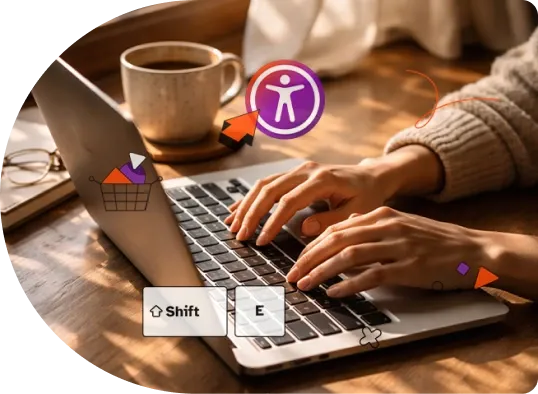
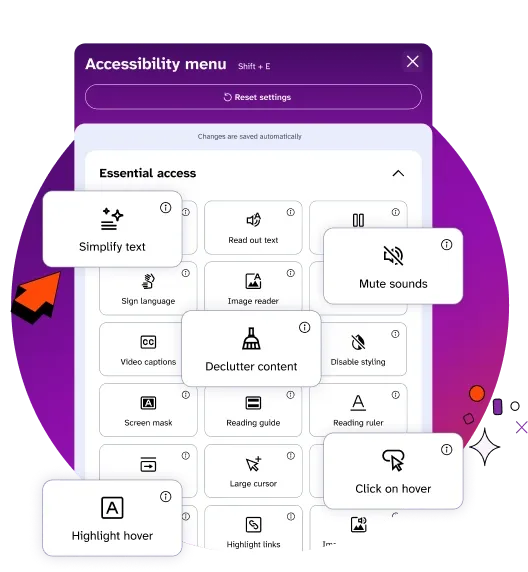
Click the icon (or press Shift + E) to open the accessibility menu and turn on the settings you want to use. 

Person using the EnableAll Assist-Bar on a laptop

Assist-Bar features

We provide guidance on which features may be helpful based on common needs. Everyone's needs are different; so customers may prefer a wide-mix of features.

Essential Access Tools 

In just a few clicks.

EnableAll accessibility widget icon
Facegym logo
Unhidden logo
BuDaGirl logo
Sabatino logo
Trend Tonic logo
Antler logo